30 Floors Up Controls, Lobby, and Noise Rules
Create a Group pads, Easy/Normal/Hard, save slots, keybinds, and how sound pulls infected.
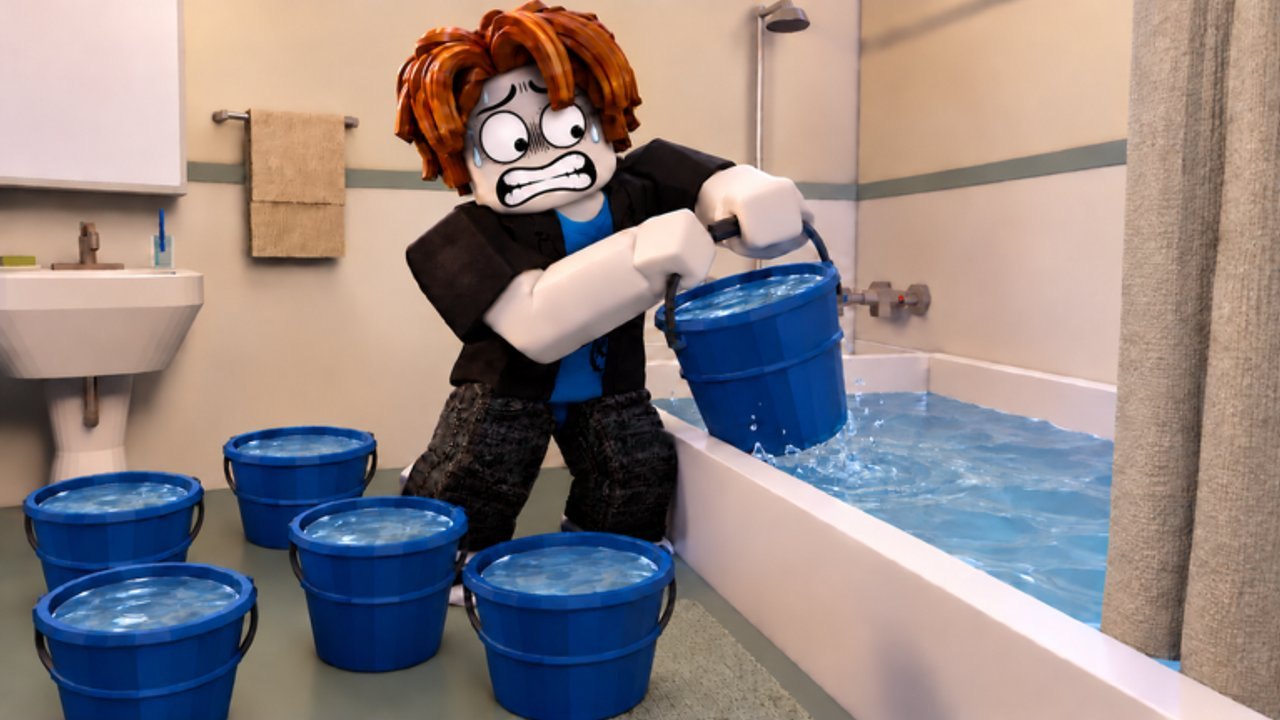
Before you worry about bolt cutters or floor 27, you need a clean lobby setup and reliable binds. This 30 Floors Up tools page covers Create a Group options, difficulty, campaign saves, basic PC controls, interaction habits, and the noise rules that decide whether a hallway stays empty. Pair it with getting started for Night 0 order and players for who knocks on your door.
Lobby — Create a Group
In the hub, step onto a numbered pad to open the Create a Group window (pads show labels like Pad 3). Other pads display live groups such as 4/4 Normal Public or 2/3 Normal. Confirm these four fields before you press the green create button:
| Option | Choices | Notes |
|---|---|---|
| Players | 1–4 | Solo or you plus up to three friends; matches the Roblox description |
| Difficulty | Easy, Normal, Hard | Normal is marked as the intended balance and recommended default |
| Access | Public or Friends only | Friends only limits joins to the host’s Roblox friends |
| Campaign | New saved game or Temporary | Temporary warns that progress is not saved |
Server population can reach about 30 players in the experience, but your survival group is still capped at four. Public pads are fine for pickup teammates; Friends only is better for serious Day 28 roof attempts.
Difficulty — what to pick
- Easy — Learning Night 0, door chain timing, and container fills without harsh punishment.
- Normal — Default balance; use this for wiki-accurate routing and class testing.
- Hard — Expect less forgiveness on noise, supplies, and door pressure; bring Scout/Medic earlier.
If you are writing notes or following this wiki’s day timings, stick to Normal so your valve and roof days line up with common recordings.
Saves and campaign slots
New saved game starts a campaign the game keeps for return sessions—important when objectives stretch past Day 38 and toward a 100-day rescue. Temporary is for experiments, class tryouts, or watching a friend without cluttering slots.
Extra slots appear as game passes (Save Slot 2 and Save Slot 3, commonly 999 Robux each). You do not need them to play, but long co-op groups often buy one shared planning slot per rotating host. Always read the Temporary warning; closing a temp run deletes the progress you thought you banked.
Basic PC controls
Bindings can vary slightly with updates, but filmed sessions consistently show:
| Key | Action |
|---|---|
| E | Pick up, open containers, talk to neighbors |
| F | Hold to eat or drink; also unlock / door interactions in many prompts |
| R | Peephole look |
| T | Hook or unhook the door chain |
| Q | Put away held item |
| X | Drop |
| 1–4 | Hotbar slots |
| Tab | Show or hide objectives |
| Shift (sprint) | Run — loud; drain stamina |
Hold interactions until the bar completes—bucket fills, drinks (about 0.5 L per sip on sealed bottles in early footage), and eats all use hold logic. Controller players should mirror these actions in the in-game prompt list; the same peephole and chain verbs appear on the door when you face it.
Door interaction checklist
Every time you return home or answer a knock:
- Face the door and confirm Lock state.
- Press the peephole bind (R) before any unlock.
- Set the chain (T) so the door only cracks open.
- Unlock / open only after you recognize the visitor.
- Close, relock, and re-chain when the scene ends.
Daniel’s Night 0 knock is the tutorial for this loop. Skipping the chain is how friendly checks become hallway breaches. Never brace furniture in a way that permanently blocks your own exit.
Inventory and carrying tips
You typically have four hotbar slots plus a backpack slot when geared. Full water buckets and some stoves need both hands. Drop or rack bulk water before ladder climbs. Porter-class backpacks add slots; hiking packs from mid-building kitchens help escape kits. Keep a permanent “kit row” in mind: light source, weapon, key tools (screwdriver / wrench), and a bottle.
Noise rules — what pulls infected
The fantasy pitch is stay quiet while zombies fill the halls. Practical rules from play:
- Walking and crouching are the baseline safe moves. Scout reduces that noise further.
- Sprinting is loud and burns stamina; use it to break line of sight, not to commute.
- Melee swings, forcing jammed doors, and bolt cutters on chains spike noise hard.
- Furniture drags and repairs are audible—clear the hall before Caretaker work.
- Thrown noise makers (Courier) pull infected toward the sound; they do not end a chase already on you.
- Closing stair doors behind you slows followers even if they heard the last hit.
If a landing sounds active, wait, listen (stand still for stamina return on Scout), and reroute through vents instead of swinging into a crowd. Cleared halls refill over time; a quiet minute now beats a bandage sink later.
Co-op lobby etiquette
- Host states difficulty and save type in chat before create.
- Assign door watch, water lead, and scout roles before Night 0 ends.
- One player handles peephole/chain on shared entry so binds do not fight.
- Agree on Temporary versus saved before anyone spends forty real minutes.
Quick start after the lobby
- Create Normal Friends-only saved group (or Public if you need fillers).
- Buy or equip a class only if you already understand Survivor basics.
- Load in, finish Night 0 from getting started.
- Keep noise low, chain every open, and check objectives with Tab.
- When neighbors call, read players before you sprint the stairs.
Master the pad window and the door binds first. Most failed Day 1 stories start with a Temporary save nobody noticed or an unchained door during Daniel’s knock—not with a missing rooftop key.
Frequently Asked Questions
Quick answers for survivors stuck on floor 30.
How do I start a co-op game in 30 Floors Up?
Step on a lobby pad to open Create a Group, set Players (1–4), Difficulty, Access (Public or Friends only), and Campaign (saved or Temporary), then confirm create.
Which difficulty should beginners use?
Normal is labeled as the intended balance and is the best match for most guides. Use Easy only while learning binds, then move up.
What is the difference between saved and Temporary campaigns?
A new saved game keeps progress for later sessions. Temporary play does not save—use it for experiments, not 100-day attempts.
How do I check the peephole and set the chain?
On PC, R looks through the peephole and T hooks or unhooks the chain. Always peephole and chain before unlocking for a knock.
What makes the most noise?
Sprinting, melee combat, forcing doors, bolt cutters, and heavy furniture repairs. Walk, use vents, and distract before loud tools.